
What if you could see exactly which links people click, where those clicks come from, which visitors are valuable, and which clicks may be wasting your advertising budget? That’s exactly why marketers are paying more attention to click tracking in 2026.
A link is no longer just a path from Point A to Point B. For marketers, affiliates, agencies, SaaS businesses, e-commerce brands, and creators, every click can tell a story.
It can show you which campaign is working, which traffic source is sending visitors, what devices people are using, where visitors are located, and whether suspicious or low-quality traffic is affecting your campaigns.
The challenge is choosing the right tool, especially when you’re comparing the best click tracking software for different marketing needs.
Search for the best click tracking software today and you’ll find dozens of platforms promising accurate analytics, campaign attribution, link management, fraud protection, UTM tracking, conversion tracking, and more.
Some are designed mainly for link shortening. Others are built for serious media buying and affiliate marketing. And some combine click analytics with traffic-quality protection.
So, which one should you choose?
In this guide, we’ll compare 10 of the best click tracking software options in 2026, that is designed to combine click tracking, performance analytics, targeting, attribution, and click-fraud protection in one place.
If you’re looking for the best click tracking software without wanting to juggle several different tools, this comparison should make your decision much easier.
Key Takeaways
- Linkstrackly is our top pick for marketers who want click tracking plus fraud protection and campaign analytics.
- The best click tracking software depends on whether you need simple link analytics, affiliate tracking, ad attribution, or traffic protection.
- Tools such as Voluum, RedTrack, and BeMob are particularly useful for advanced media buying and affiliate campaigns.
- Bitly and Linkly are strong choices when branded links and straightforward click analytics are the main priority.
- Before choosing any click tracking software, compare pricing, click limits, attribution features, bot filtering, integrations, reporting, and ease of use.
Stop Guessing. Start Tracking.
Turn every click into actionable marketing data. Track campaigns, understand visitors, identify suspicious traffic, and make smarter decisions with Linkstrackly’s powerful analytics.
What Is Click Tracking Software?
Let’s keep this simple.
Click tracking software records information about the clicks your links receive.
Imagine you share the same product link in five places:
- Facebook ad
- Instagram bio
- Email newsletter
- Blog article
- WhatsApp campaign
Without tracking, you might know that 1,000 people visited your destination page. But you may not know which channel produced those clicks.
A good click tracker software platform gives you that missing information.
Depending on the tool, you may be able to see:
- Total clicks
- Unique clicks
- Click timestamps
- Country or region
- Device type
- Operating system
- Browser
- Referrer
- Campaign
- UTM parameters
- Conversion data
- Suspicious traffic
- Bots and crawlers
- Cost per click
- Revenue
- Return on ad spend
The idea behind the best click tracking software is not simply counting clicks.
It is turning clicks into useful marketing information.
For example, if Campaign A produces 10,000 clicks but only five sales while Campaign B produces 2,000 clicks and 50 sales, Campaign B is clearly more valuable.
Most click tracking systems use a tracking URL or redirect.
That’s the difference between click counting and click intelligence.
How Does Click Tracking Work?
Instead of sending someone directly to:
yourwebsite.com/product
you might give them a trackable URL first.
When someone clicks it, the tracking system records information about that click and then sends the visitor to the final destination.
This can happen extremely quickly, so the visitor generally experiences it as a normal link click.
Modern platforms can then organize that information inside a dashboard.
This is why click track software has become useful for more than affiliate marketers. Businesses can use it for paid advertising, social media, email, QR codes, influencer campaigns, partnerships, and other marketing channels.
What Makes the Best Click Tracking Software?
Not every tracker is created for the same purpose.
When comparing the best click tracking software, look at these factors:
1. Click Accuracy
If your numbers are unreliable, everything else becomes questionable.
2. Traffic-Quality Detection
Bots, crawlers, suspicious visitors, and fraudulent clicks can distort your reports and waste advertising money.
3. Campaign Tracking
You should be able to separate campaigns and understand where your clicks are coming from.
4. Geographic Data
Country, region, and sometimes city-level information can be useful for international campaigns.
5. Device Information
Knowing whether visitors use mobile, desktop, or tablet can help you optimize landing pages and campaigns.
6. UTM Support
UTM parameters make it easier to connect your links with broader analytics and campaign reporting.
7. Conversion Tracking
Clicks are useful, but conversions are what usually matter to the business.
8. Integrations
Your tracker should work with the platforms you already use.
9. Reporting
Good reporting turns raw click data into something your team can actually understand.
10. Price and Scalability
A cheap tool is not necessarily cheap if you outgrow it quickly.
10 Best Click Tracking Software in 2026
Now let’s get to the main comparison.
We’ve arranged these tools in a practical listicle rather than pretending every platform is designed for exactly the same user.
1. Linkstrackly: Best Overall for Click Tracking + Fraud Protection
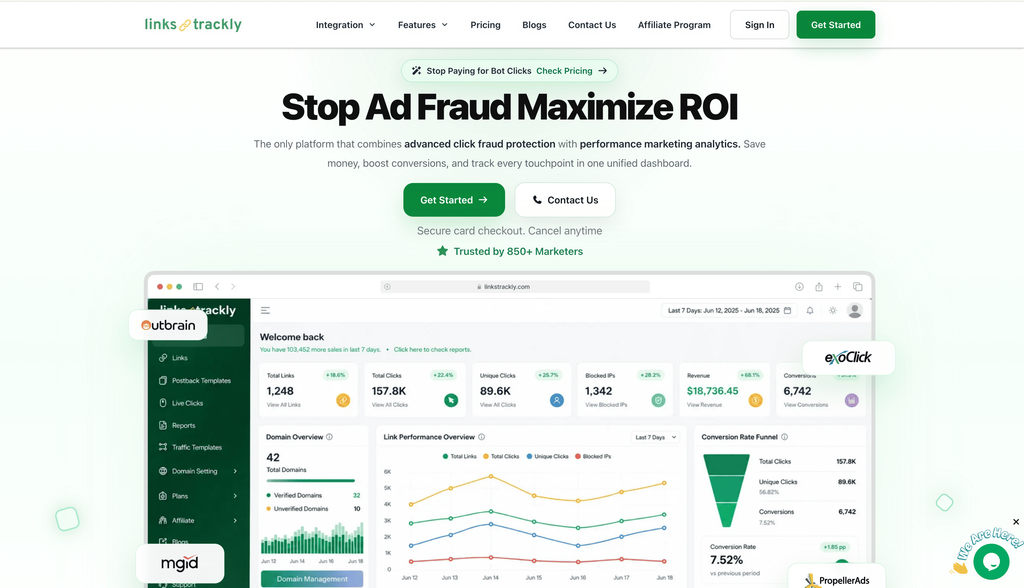
Best for: Performance marketers, advertisers, affiliates, agencies, and businesses that want tracking and traffic protection together.
If you’re searching for the best click tracking software in 2026 and want more than basic click counts, Linkstrackly deserves to be at the top of your shortlist.
Linkstrackly combines click tracking, performance analytics, attribution, advanced targeting, and click-fraud protection in one platform. Its website highlights real-time fraud protection, visitor analytics, VPN exclusion, click-threshold controls, campaign attribution, custom conversion events, detailed reporting, and real-time analytics.
That combination is important.
Suppose you’re running paid ads.
You could have thousands of clicks coming into a campaign, but some may come from bots, suspicious sources, VPN traffic, or other low-quality visitors.
If your tracker only reports the clicks without helping you identify problematic traffic, you’re still left doing a lot of detective work.
Linkstrackly takes a different approach by combining traffic-quality protection with tracking and performance analytics.
Why Linkstrackly Stands Out?
- Real-time click tracking
- Fraud and suspicious-traffic protection
- Advanced rules and targeting
- Geo and device targeting
- UTM and parameter filtering
- Visitor analytics
- Campaign performance tracking
- Custom conversion events
- Detailed reporting
- Custom domains
- Dynamic redirect management
- Branded link shortening
- WordPress integration
- QR and link management capabilities
- Performance attribution
Linkstrackly also says its platform can provide real-time blocking, click-threshold limitations, visitor analytics, VPN exclusion, and automatic IP exclusion for flagged traffic.
The result is a more complete workflow:
Create a link → Track clicks → Analyze traffic → Identify suspicious activity → Optimize campaigns → Improve ROI
Why This Matters?
Imagine spending $5,000 on paid advertising.
Your advertising platform reports 20,000 clicks.
That sounds great.
But what if a portion of those clicks comes from suspicious or irrelevant traffic?
A simple link shortener might tell you that the clicks happened.
A more advanced click tracking software platform can help you understand what’s happening behind those clicks.
That’s where Linkstrackly’s combination of tracking and fraud protection becomes particularly useful.
Our Verdict
Best overall for: Marketers who want click analytics and traffic protection in the same workflow.
Why we rank it #1: You’re not simply counting clicks. You’re trying to understand and improve the quality and performance of those clicks.
2. Voluum: Best for Advanced Media Buying
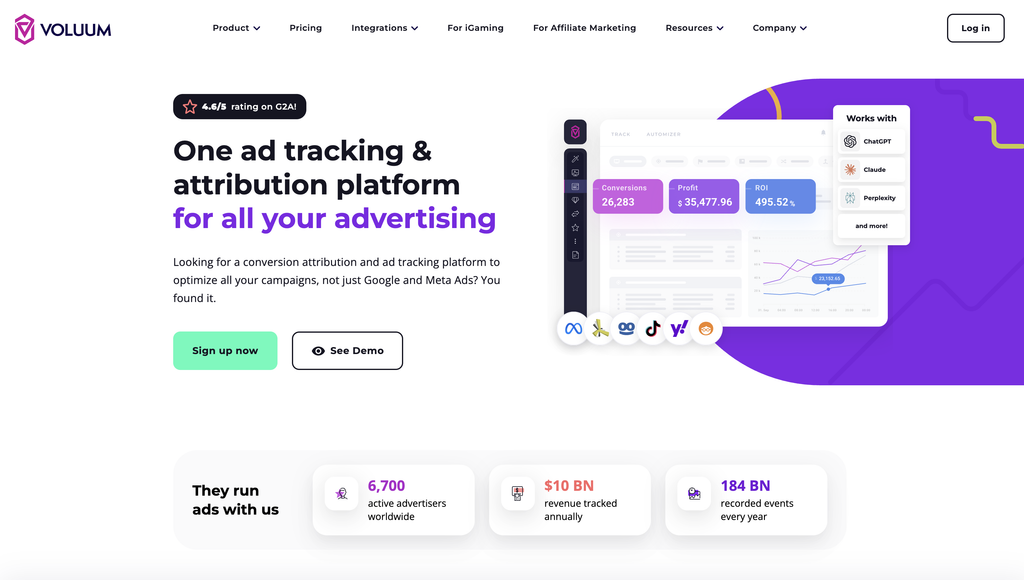
Best for: Affiliate marketers, media buyers, agencies, and high-volume advertisers.
Voluum is a well-known name in the performance marketing world and is aimed at users who need sophisticated campaign tracking.
It supports campaign tracking, offers, landing pages, traffic sources, conversions, rule-based traffic distribution, anti-fraud capabilities, and detailed reporting.
The platform is powerful, but that power comes with complexity.
If you’re a beginner who simply wants to know whether your Instagram link received 300 clicks, Voluum may be more than you need.
But if you’re managing multiple traffic sources, offers, landing pages, affiliate campaigns, and conversion paths, it becomes much more interesting.
Pros
- Advanced campaign tracking
- Extensive reporting
- Traffic distribution
- Anti-fraud tools
- Automation
- Large-scale campaign management
Cons
- Steeper learning curve
- More expensive than basic trackers
- May be excessive for simple link tracking
Our Verdict
A strong option when you need an advanced click tracking software platform for serious media buying.
3. RedTrack: Best for Paid Advertising Attribution
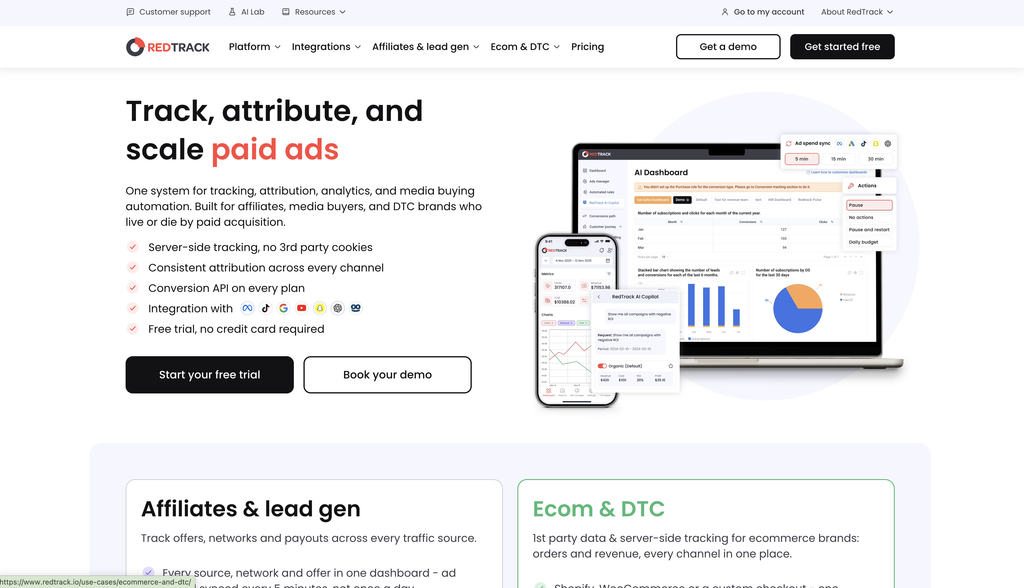
Best for: Media buyers, e-commerce brands, performance marketers, and advertising teams.
RedTrack is another advanced platform focused heavily on advertising attribution.
One of its major advantages is connecting advertising cost data with tracking and conversion information.
For marketers spending significant money on advertising, this matters.
You don’t want to ask:
“How many clicks did I get?”
You want to ask:
“Which campaign produced profitable customers?”
That’s a much more useful question.
RedTrack is particularly suited to teams that want to bring ad spend, conversions, and performance data closer together.
Pros
- Strong advertising attribution
- Ad spend synchronization
- Conversion tracking
- Automation
- API access
- Team features
- High-volume campaign management
Cons
- Pricing can become significant
- More suitable for professional marketers
- More complicated than basic link trackers
Our Verdict
One of the best click tracking software choices for teams where paid advertising attribution is a major priority.
4. BeMob: Best for Affiliate Tracking
Best for: Affiliate marketers and performance marketers.
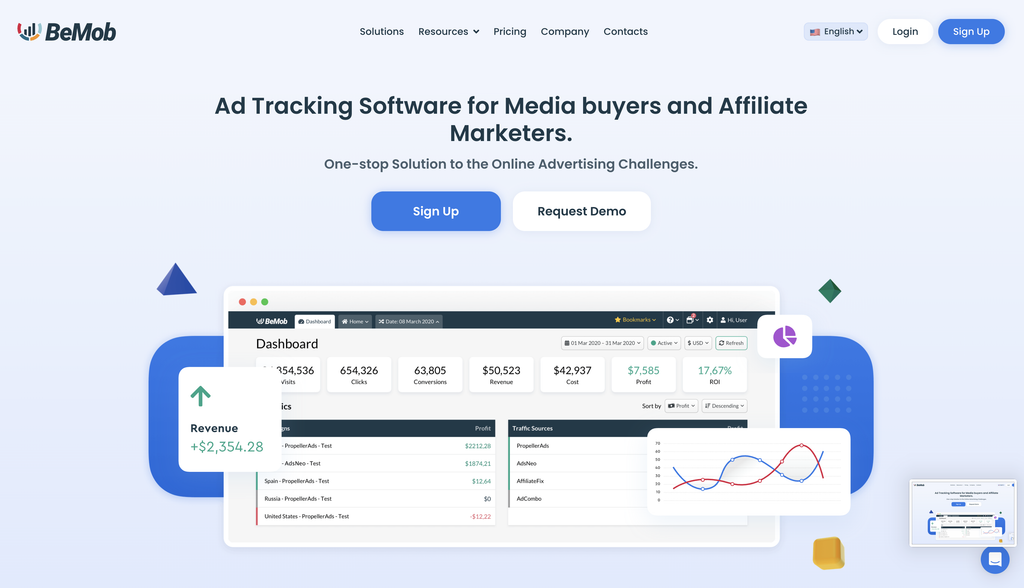
BeMob is built around tracking campaigns, offers, landing pages, traffic sources, affiliate networks, and conversions.
It is especially relevant for affiliate marketers who need to understand how different traffic sources perform.
BeMob also provides targeting and reporting dimensions such as country, device, operating system, referrer, IP, language, and more.
Pros
- Affiliate-focused
- Free starting option
- Detailed targeting
- Campaign management
- Conversion tracking
- Traffic-quality tools
Cons
- Interface can feel technical to beginners
- Event-based pricing requires attention
- Advanced functionality takes time to learn
Our Verdict
A good choice if your business revolves around affiliate campaigns and you need a dedicated click tracker software environment.
5. Bitly: Best for Simple Branded Links
Best for: Businesses, creators, social media managers, and teams that want easy link management.
Bitly is probably one of the most recognizable names in link shortening.
But modern Bitly is more than just shortening URLs.
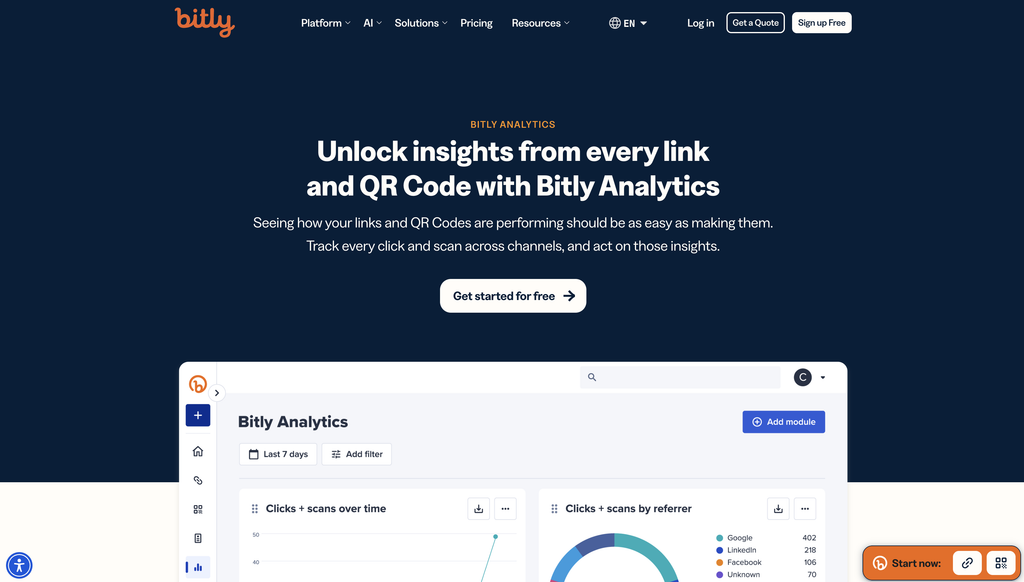
Its platform offers link management, click and scan analytics, UTM building, branded links, QR codes, landing pages, redirects, and other marketing features.
If you’re a small business owner and your main question is:
“Which links are people clicking?”
Bitly can be a straightforward solution.
However, if your priority is advanced click-fraud detection and performance marketing optimization, you may want something more specialized.
Pros
- Very easy to use
- Strong brand recognition
- Branded links
- QR codes
- UTM builder
- Useful analytics
Cons
- Advanced features require higher plans
- Less focused on advertising fraud protection
- Can become expensive at scale
Our Verdict
A good choice for straightforward link analytics, but not necessarily the best click tracking software for advanced performance marketing.
See What’s Really Behind Your Clicks
Don’t let bots, VPNs, or low-quality traffic distort your results. Track every visitor, filter suspicious activity, and optimize campaigns with greater confidence.
6. Linkly: Best for Link Analytics and QR Tracking
Best for: Marketers, businesses, agencies, and teams that need trackable short links.
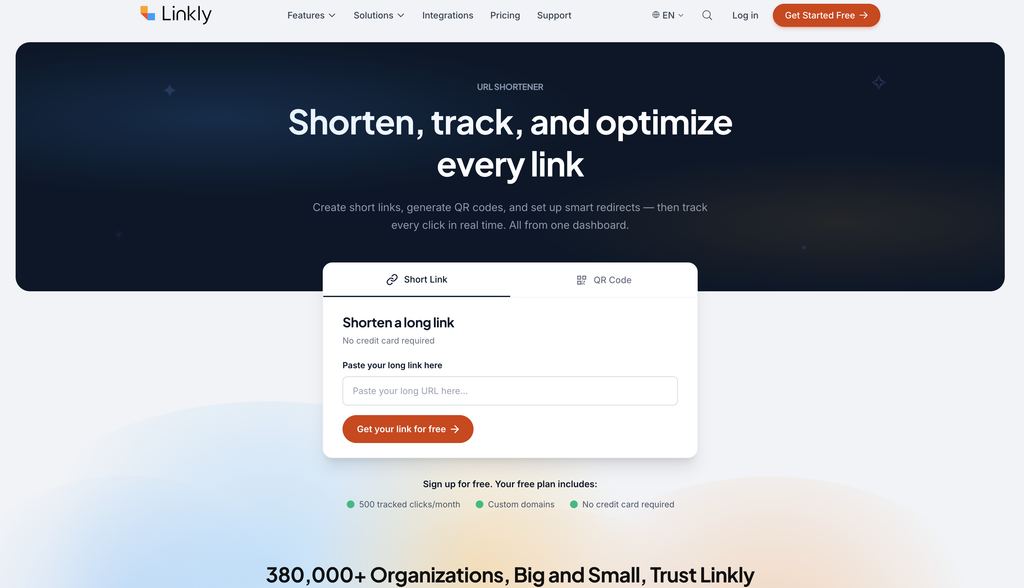
Linkly focuses on link analytics and provides information such as clicks, countries, devices, browsers, referrers, and campaign performance.
Its feature set also includes QR codes, branded links, UTM functionality, API access, and integrations.
This makes Linkly a useful middle ground.
It’s more marketing-focused than a basic URL shortener but doesn’t necessarily try to be a complete enterprise media-buying platform.
Pros
- Real-time analytics
- QR tracking
- UTM builder
- Branded links
- API and integrations
- Bot and crawler management
Cons
- Advanced media-buying features are limited compared with dedicated ad trackers
- Pricing depends on usage
Our Verdict
A solid click track software choice for businesses that want clean link analytics without unnecessary complexity.
7. Click.org: Best for Flexible Click Optimization
Best for: Affiliate marketers, advertisers, and users who want extensive click controls.
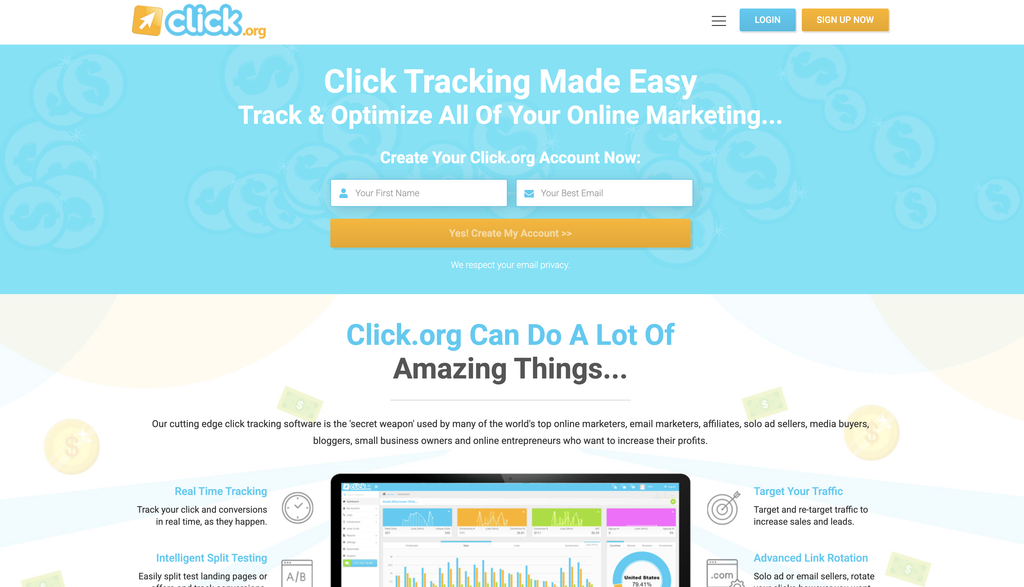
Click.org focuses on click tracking, targeting, testing, redirecting, and optimizing clicks.
Its feature set includes geo-targeting, bot filtering, link rotation, split testing, IP targeting, click limits, conversion tracking, and real-time click information.
It can be particularly useful when your goal isn’t simply reporting.
You want to control what happens after someone clicks.
For example, you might want visitors from different countries to see different destinations, or you might want to rotate traffic between landing pages.
Pros
- Lots of click controls
- Geo-targeting
- Split testing
- Link rotation
- Bot filtering
- Conversion tracking
Cons
- Interface may feel less modern than newer platforms
- Feature-heavy for beginners
Our Verdict
A useful option for experienced marketers looking for flexible click tracking software and traffic controls.
8. Improvely: Best for Simple Conversion Tracking + Fraud Monitoring
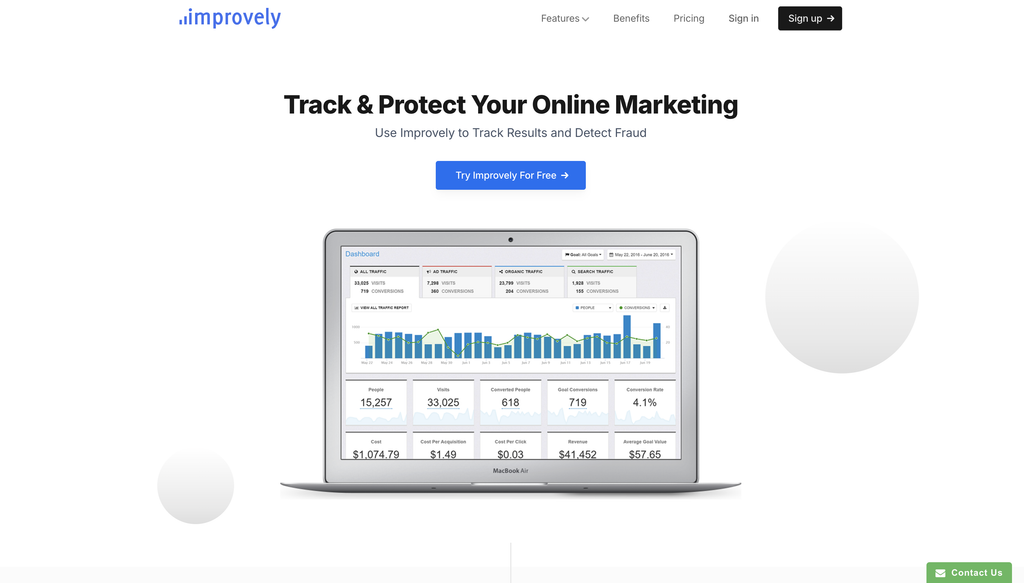
Best for: Small businesses and marketers who want campaign tracking without an extremely complicated setup.
Improvely focuses on marketing tracking, conversion measurement, and click-fraud monitoring.
The platform is designed to help businesses identify the sources of signups and sales while monitoring clicks for suspicious activity.
That’s an appealing combination for small businesses.
You don’t necessarily need dozens of dashboards.
You need to understand where customers came from and whether suspicious clicks are affecting your campaigns.
Pros
- Conversion tracking
- Click-fraud monitoring
- Visitor profiles
- Client reporting
- Relatively approachable
Cons
- Not designed for every advanced media-buying workflow
- May feel limited for very large operations
Our Verdict
A practical option if you want a simpler click tracker software experience with conversion and fraud-monitoring capabilities.
9. UseClick: Best Privacy-Focused Option
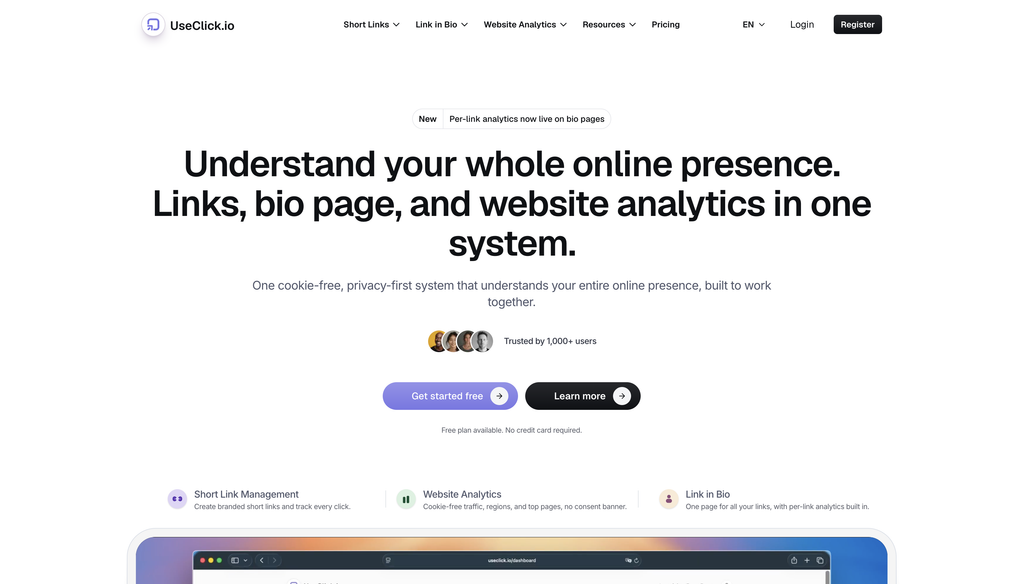
Best for: Privacy-conscious marketers, teams, creators, and businesses.
UseClick positions itself as a privacy-first link management platform.
Its features include branded short links, click analytics, geo-targeting, A/B testing, team collaboration, QR codes, UTM tools, conversion funnels, CSV exports, and link-in-bio functionality.
This is useful for businesses that want analytics but are increasingly concerned about how tracking data is collected and stored.
Pros
- Privacy-first approach
- Click analytics
- A/B testing
- Geo-targeting
- QR tracking
- Branded links
- Free option
Cons
- Less focused on ad-fraud protection than Linkstrackly
- Advanced users may want more media-buying functionality
Our Verdict
A strong alternative if privacy and simple link analytics are major priorities.
10. Click Track Software Free Options: Best for Beginners Testing the Waters
Best for: New marketers, creators, bloggers, and small businesses.
Sometimes you don’t need a sophisticated paid platform.
You simply want to test whether click tracking is useful for your business before spending money.
That’s where click track software free options become interesting.
Several tracking platforms offer free plans or trials with varying limits.
Free tools can be a good starting point.
But remember: free doesn’t automatically mean best.
If you’re spending $5,000 per month on advertising, saving $20 on a tracker while losing money to poor attribution or invalid traffic isn’t really saving money.
Our Verdict
Start with click track software free if you’re experimenting. Move to a more capable platform once your campaigns become important enough to justify it.
Quick Comparison: 10 Best Click Tracking Software Tools
| Tool | Best For | Click Analytics | Fraud Protection | UTM Tracking | Advanced Attribution | Free Option |
|---|---|---|---|---|---|---|
| Linkstrackly | Tracking + fraud protection | Yes | Yes | Yes | Yes | Check plans |
| Voluum | Advanced media buying | Yes | Yes | Yes | Yes | Trial |
| RedTrack | Paid ads & attribution | Yes | Yes | Yes | Yes | Trial |
| BeMob | Affiliate marketing | Yes | Yes | Yes | Yes | Yes |
| Bitly | Branded links | Yes | Limited | Yes | Basic | Yes |
| Linkly | Link analytics | Yes | Yes | Yes | Moderate | Yes |
| Click.org | Click optimization | Yes | Yes | Yes | Yes | Trial |
| Improvely | Conversion + fraud monitoring | Yes | Yes | Yes | Yes | Trial |
| UseClick | Privacy-focused tracking | Yes | Traffic controls | Yes | Yes | Yes |
| Free tracking options | Beginners | Varies | Varies | Varies | Varies | Yes |
Features, pricing, and plan limits can change, so check each provider’s current offering before purchasing.
Linkstrackly vs Other Click Tracking Tools
Now for the question many readers will actually care about:
Why choose Linkstrackly instead of another click tracking platform?
The answer comes down to focus.
Some platforms are primarily URL shorteners.
Others are highly advanced affiliate trackers.
Some focus heavily on ad attribution.
Linkstrackly sits in an interesting middle ground by combining performance tracking with click-fraud protection, attribution, and traffic controls.
For a marketer, that means your workflow can look something like this:
Create link → Track clicks → Analyze traffic → Identify suspicious activity → Filter or block poor traffic → Optimize campaign → Improve ROI
That’s much more useful than simply looking at a number that says “10,000 clicks.”
Linkstrackly highlights features such as real-time blocking, VPN exclusion, click thresholds, visitor analytics, detailed reporting, custom conversion events, and advanced rules and targeting.
This is why we consider Linkstrackly one of the strongest choices for marketers searching for the best click tracking software in 2026.
Best Click Tracking Software by Use Case
Still not sure which platform makes sense?
Let’s simplify it.
Best Click Tracking Software for Click-Fraud Protection
Linkstrackly
If invalid traffic and wasted advertising spend are major concerns, Linkstrackly should be high on your list.
Best Click Tracking Software for Affiliate Marketers
Voluum or BeMob
Both provide tools designed around performance and affiliate campaigns.
Best Click Tracking Software for Paid Advertising Attribution
RedTrack
It’s particularly strong when connecting advertising spend with conversion and revenue data.
Best Click Tracking Software for Simple Branded Links
Bitly
It’s easy to understand and widely recognized.
Best Click Tracking Software for Link Analytics
Linkly
A good option when you want link data without a huge learning curve.
Best Click Tracking Software for Flexible Click Controls
Click.org
Useful for geo-targeting, link rotation, split testing, and other traffic controls.
Best Click Tracking Software for Conversion Tracking
Improvely
A straightforward option for connecting marketing sources with conversions and monitoring suspicious activity.
Best Click Tracking Software for Privacy-Conscious Teams
UseClick
Its privacy-first positioning makes it worth considering for organizations that care about data minimization.
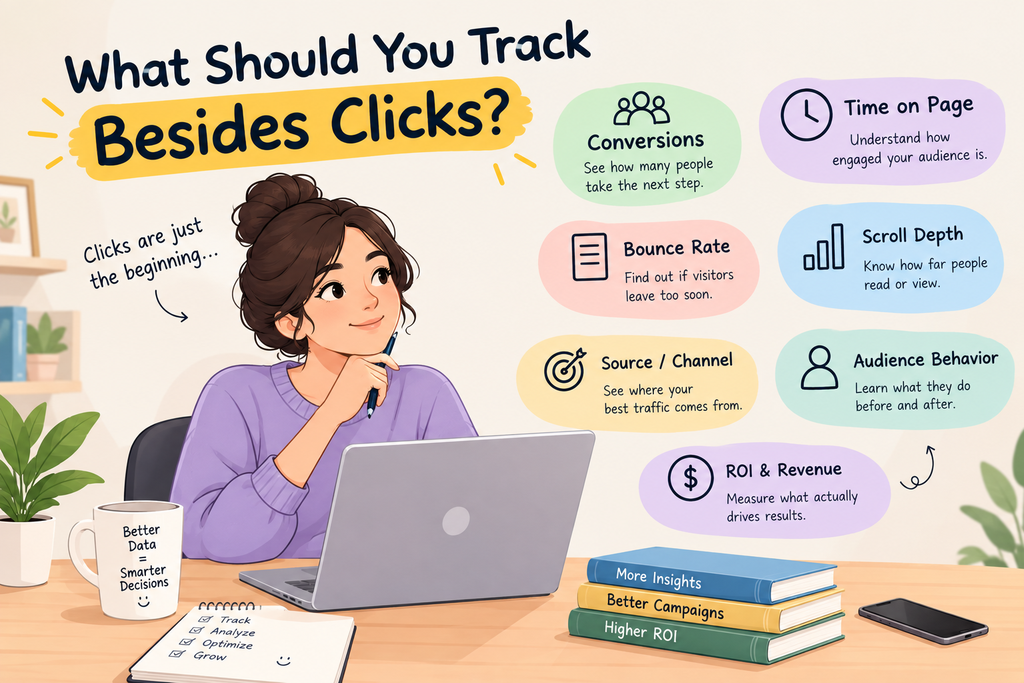
What Should You Track Besides Clicks?
Here’s a common mistake.
Businesses start using the best click tracking software and then obsess over one number: total clicks.
Don’t do that.
Clicks are only the beginning.
You should ideally look at:
Click-Through Rate
How many people clicked compared with how many people saw the message, ad, or link?
Unique Clicks
How many individual visitors clicked?
Conversion Rate
How many visitors completed your desired action?
Cost Per Conversion
How much did you spend to generate each lead or sale?
Revenue Per Click
How much money does each click generate?
Traffic Quality
Are your visitors genuine prospects or suspicious/bot traffic?
Geographic Performance
Are certain locations performing better than others?
Device Performance
Does your campaign convert better on mobile or desktop?
Referrer Performance
Which websites and platforms are sending the best visitors?
This is where the best click tracking software becomes a decision-making tool rather than just a reporting tool.
Click Tracking Software vs Google Analytics
Another common question is whether you actually need dedicated click tracking software if you already use Google Analytics.
The answer is: sometimes yes.
Google Analytics is excellent for website analytics.
But a dedicated link tracker can provide a different layer of visibility.
For example, you may want to track a link that sends visitors to:
- Amazon
- An affiliate offer
- An app store
- Another company’s website
- A landing page you don’t control
A dedicated link tracker can record the click before the visitor reaches that destination.
Some link tracking platforms also specialize in traffic routing, click-level information, fraud filtering, and campaign links.
So think of it this way:
Google Analytics: What happens on my website?
Click tracking software: What happens when people interact with my tracked links?
For many marketers, using both provides a more complete picture.
Is Free Click Track Software Enough?
For some people, absolutely.
If you’re a blogger with a few links or a creator testing a new campaign, click track software free can be more than enough.
But businesses should think about opportunity cost.
Let’s say you spend $1,000 on ads.
Your tracker tells you that 8,000 clicks came in.
Sounds good.
But what if 2,000 were suspicious?
What if one advertising source generated 5,000 clicks but almost no sales?
What if another generated only 1,500 clicks but produced most of your revenue?
The best click tracking software helps you answer those questions.
So don’t judge a tracker only by its monthly price.
Judge it by the decisions it helps you make.
How to Choose the Best Click Tracking Software for Your Business
Use this five-step checklist.
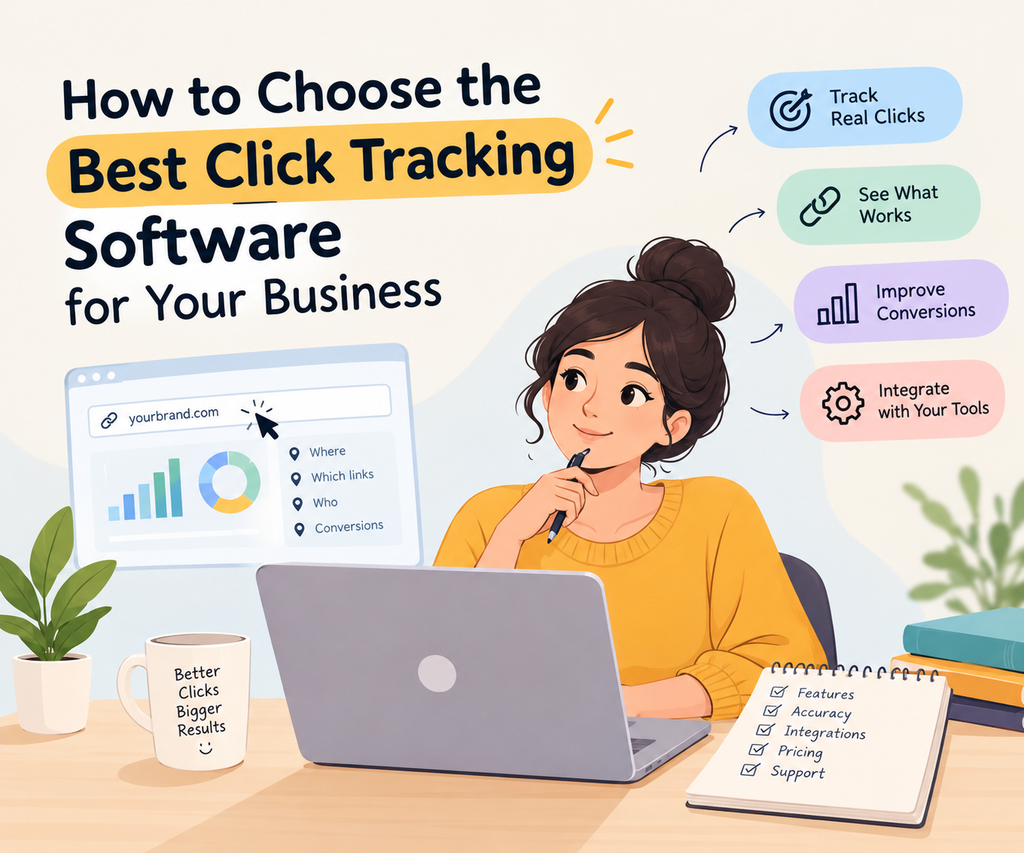
Step 1: Define Your Goal
Do you want basic click counting?
Affiliate tracking?
Ad attribution?
Fraud protection?
Link management?
Your answer will immediately narrow the list.
Step 2: Estimate Your Click Volume
A tool that works beautifully for 5,000 clicks may become expensive or restrictive at 5 million clicks.
Step 3: Identify the Data You Actually Need
Do you need country?
Device?
Browser?
Referrer?
UTMs?
Conversions?
Revenue?
Bots?
Don’t pay for features you’ll never use.
Step 4: Check Integrations
Make sure the tracker works with your advertising and analytics stack.
Step 5: Test Before Committing
Whenever possible, use a free plan or trial.
Create a few links.
Send real traffic.
Look at the reports.
See whether you actually understand what the dashboard is telling you.
That’s a much better test than reading 50 feature lists.
Why Traffic Quality Matters in 2026?
Marketing has become more competitive.
Getting clicks isn’t enough.
You need useful clicks.
Imagine two campaigns:
Campaign A
10,000 clicks
100 sales
Campaign B
3,000 clicks
150 sales
Which campaign is better?
Obviously, Campaign B.
That’s why the best click tracking software should help you understand quality, not just volume.
Traffic-quality analysis can help you spot unusual patterns and make better decisions about campaigns.
This is especially important for paid advertising, where every invalid or low-quality click can potentially consume part of your budget.
Linkstrackly puts particular emphasis on this area, highlighting real-time blocking, suspicious-traffic controls, VPN exclusion, click thresholds, visitor analytics, and automatic IP exclusion for flagged traffic.
Turn Better Tracking Into Better ROI
Get deeper campaign insights, protect your advertising budget, and understand which clicks actually matter. Linkstrackly brings tracking, attribution, analytics, and protection together.
Final Verdict: Which Is the Best Click Tracking Software in 2026?
There is no single best click tracking software for every marketer, because the right choice depends on your goals, traffic volume, budget, and level of experience.
Voluum and RedTrack are strong options for advanced media buying, campaign attribution, and performance marketing, while BeMob is particularly suited to affiliate marketers.
Bitly and Linkly are better choices for businesses that prioritize simple link management, branded URLs, and straightforward analytics. Click.org offers useful traffic controls and optimization features, while Improvely combines conversion tracking with fraud monitoring.
UseClick may appeal to teams that place greater emphasis on privacy-focused tracking. Linkstrackly stands out by bringing click tracking, campaign analytics, traffic controls, attribution, and fraud protection together in one platform.
Free click tracking options can also work well for beginners and smaller campaigns. Ultimately, compare each tool’s features, pricing, scalability, integrations, and reporting capabilities before choosing the solution that best fits your marketing needs.
FAQs
1. What Is the Best Click Tracking Software in 2026?
Linkstrackly is our top overall choice for marketers seeking click tracking, traffic-quality protection, targeting, attribution, and campaign analytics in one platform. Other options include Voluum, RedTrack, and BeMob.
2. What Does Click Tracking Software Do?
Click tracking software records and analyzes link interactions, providing data such as clicks, visitors, locations, devices, referrers, UTM parameters, conversions, and traffic quality to help marketers optimize campaigns.
3. Is Click Tracking Software the Same as a URL Shortener?
No. A URL shortener mainly creates shorter links, while modern click tracking software provides detailed analytics, campaign attribution, conversion tracking, targeting, and traffic-quality insights beyond basic link management.
4. Can I Use Click Tracking Software for Paid Ads?
Yes. Click tracking software is highly useful for paid advertising because it helps identify which ads, campaigns, and traffic sources generate valuable visitors, conversions, and better overall marketing performance.
5. Is There Good Click Track Software Free?
Yes, several platforms offer free plans or trials with different features and click limits. Free click tracking software can help beginners understand campaign tracking before upgrading to advanced solutions.
6. Does Click Tracking Slow Down My Website?
Well-designed click tracking software minimizes redirect delays and typically has little noticeable impact. However, speed depends on the platform, implementation, network conditions, and destination website, so testing is recommended.
7. Can Click Tracking Software Detect Bots?
Some click tracking platforms can detect bots, suspicious visitors, VPN traffic, and other unwanted activity. Linkstrackly also highlights fraud protection, VPN exclusion, click thresholds, and automatic IP exclusion.
8. Do I Still Need Google Analytics If I Use Click Tracking Software?
Often, yes. Click tracking software provides link and campaign-level insights, while Google Analytics helps analyze visitor behavior after they reach your website, making the two tools complementary.
9. What Is the Difference Between Click Tracker Software and Conversion Tracking?
Click tracker software records link interactions, while conversion tracking measures completed actions such as purchases, signups, or forms. Combining both helps marketers connect clicks with actual business outcomes.
10. How Do I Choose the Best Click Tracking Software for My Business?
Choose software based on your goals, click volume, required analytics, integrations, budget, and traffic-protection needs. Compare features and test available trials before selecting the right tracking platform.
1 thought on “Best Click Tracking Software in 2026: Compare 10 Top Tools”